
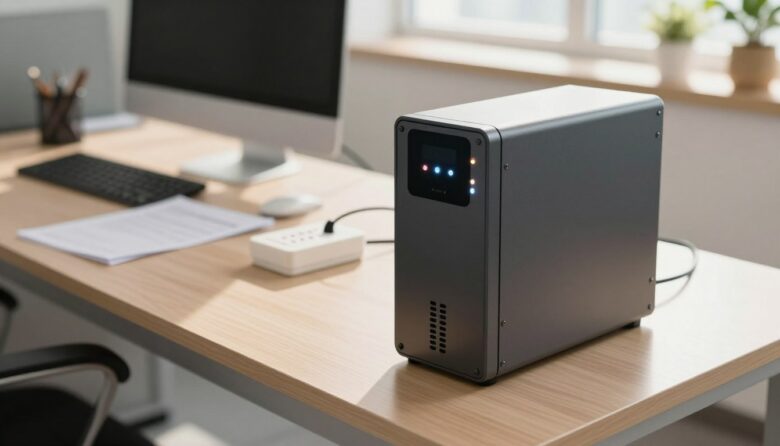
I know your uninterruptible power supply is a key investment for your home or office. I want to help you extend its lifespan with clear, practical steps that protect your devices and backup capacity. Modern UPS systems include surge protection and prevent momentary voltage spikes, but the battery life can still vary from three to …
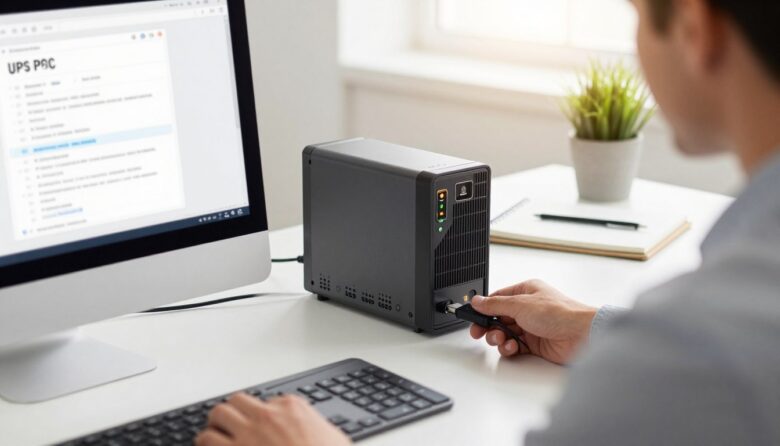
I manage APC Smart UPS 2200 and APC Smart UPS 2200XL units in my environment. I run a Windows Server 2012 R2 host that powers several virtual machines, so reliable power and quick response matter to me. PowerChute for business is the choice I use to monitor APC gear. I found that the right software …
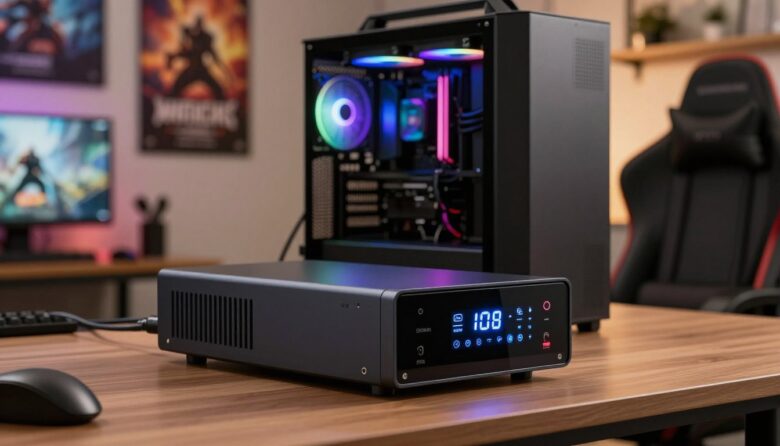
I wrote this guide to help you protect a high-end gaming PC and home lab gear from sudden power loss. I focus on reliable units like the CyberPower CP1500FCLCD 1500VA and explain how runtime, outlets, and voltage regulation affect your setup. A good uninterruptible power supply gives clean output and surge protection so your power …
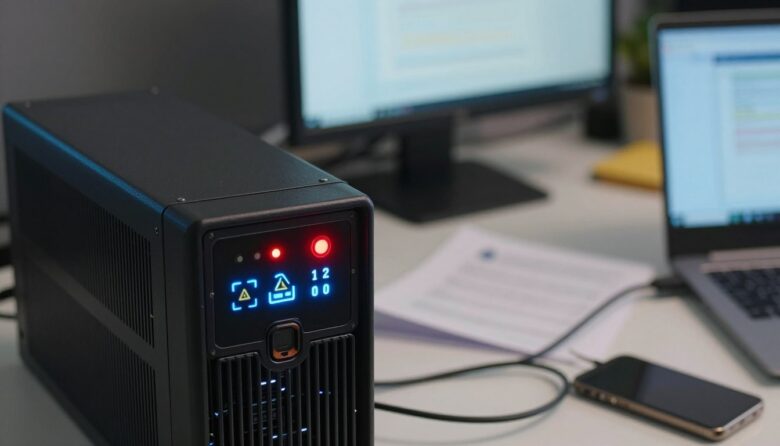
I know how disruptive it feels when a unit starts an alarm loop during critical work. I’ve seen Furman F1000 units that power up, fail initialization, and cycle until unplugged from the AC outlet. That kind of behavior can put your data center gear at risk and waste time. I wrote this post to give …
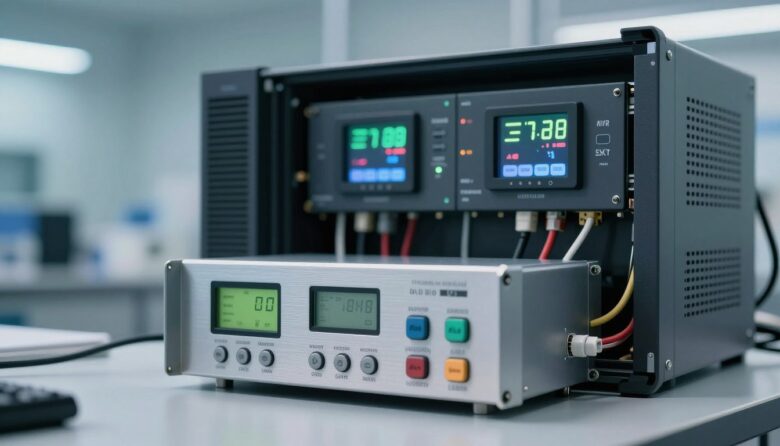
I started this search after a sudden power surge corrupted a work file. I learned fast that a steady power supply matters if you want to protect sensitive electronics at home or in the office. In my experience, an uninterruptible power supply is the core of any reliable backup plan. It keeps devices online while …
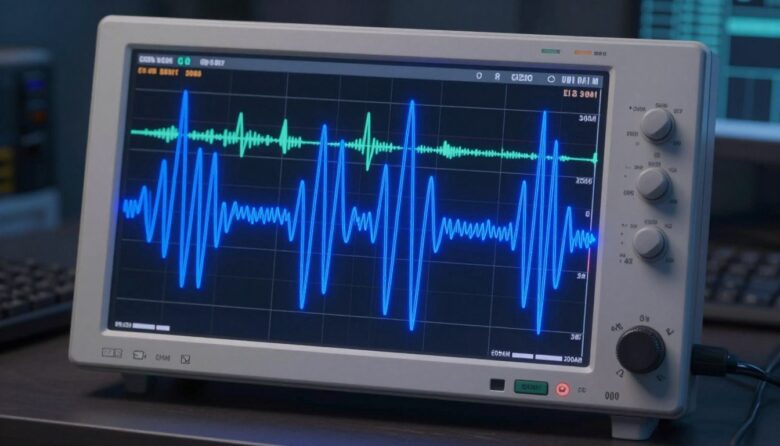
I wrote this guide to help you understand the key differences between a pure sine wave vs simulated sine wave power when running a PC. I will explain how different UPS models and power supplies affect servers, desktops, and other sensitive equipment. When a power supply meets a distorted waveform, it can struggle to keep …
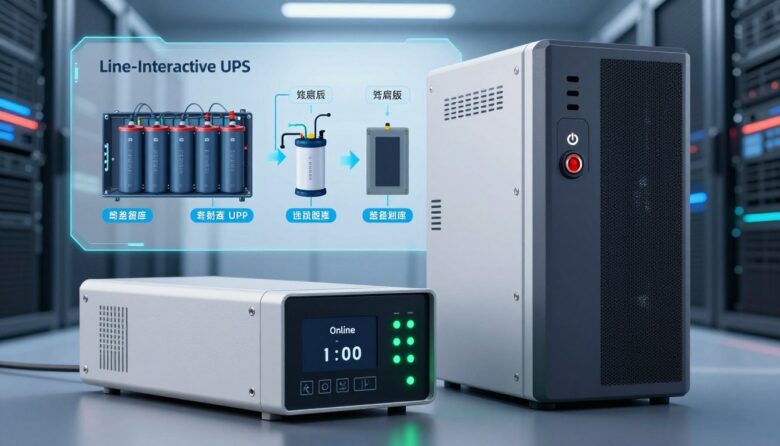
I rely on clear guidance when choosing power protection for my gear. An uninterruptible power supply keeps servers and sensitive hardware safe from surges, brownouts, and complete blackouts. When I compare a line-interactive vs online UPS, I look at how each system manages incoming power and keeps equipment running. What helped me decide between line-interactive …
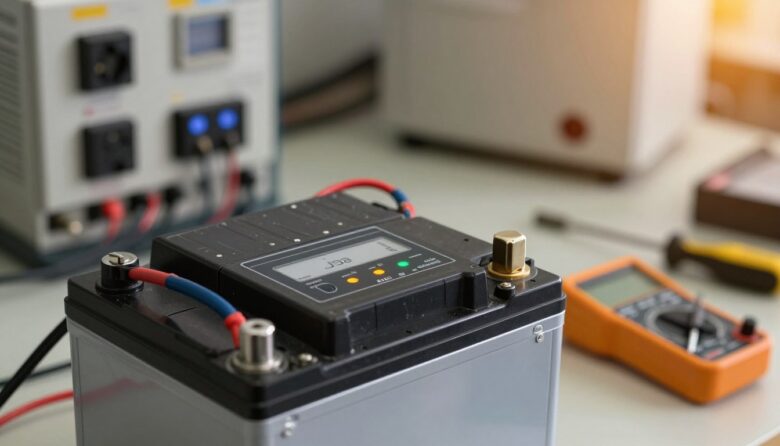
I know how stressful it feels when a backup device fails just as you need it most. I have seen facility teams and IT staff scramble when a critical power system stops protecting data and services. This article is my step-by-step guide to common ups problems and practical troubleshooting. I will walk you through checks …

I know choosing the right uninterruptible power solution feels technical and a bit daunting. I’ll walk you through the manual steps so your computer and network devices stay protected during outages. Most major manufacturers offer product selectors and runtime tools, but I believe understanding the numbers gives you control. You must account for the total …
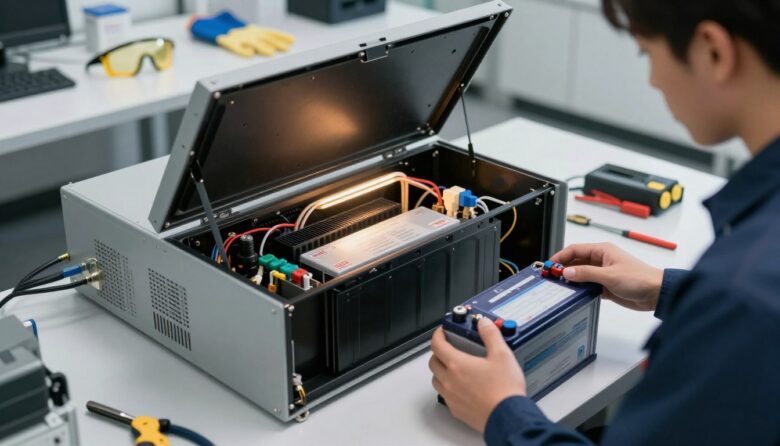
I’ll walk you through a clear, step-by-step guide so you can safely replace the internal cell in your UPS without risking your connected devices or equipment. I write from practical experience and will keep instructions simple and focused. Most sealed lead-acid units last about three to five years, so timely maintenance keeps your backup power …